In case you are getting this error:
“Error in entity ‘(Projection_View_Name(CDS))’: Projected association _AssociationName of Projection_View_Name is not draft enabled.”

And you tried to fix it, but now getting this error:
“Error in entity ‘Projection_View_Name(CDS)’: Entity Projection_View_Name: Association _AssociationName cannot be draft enabled.”
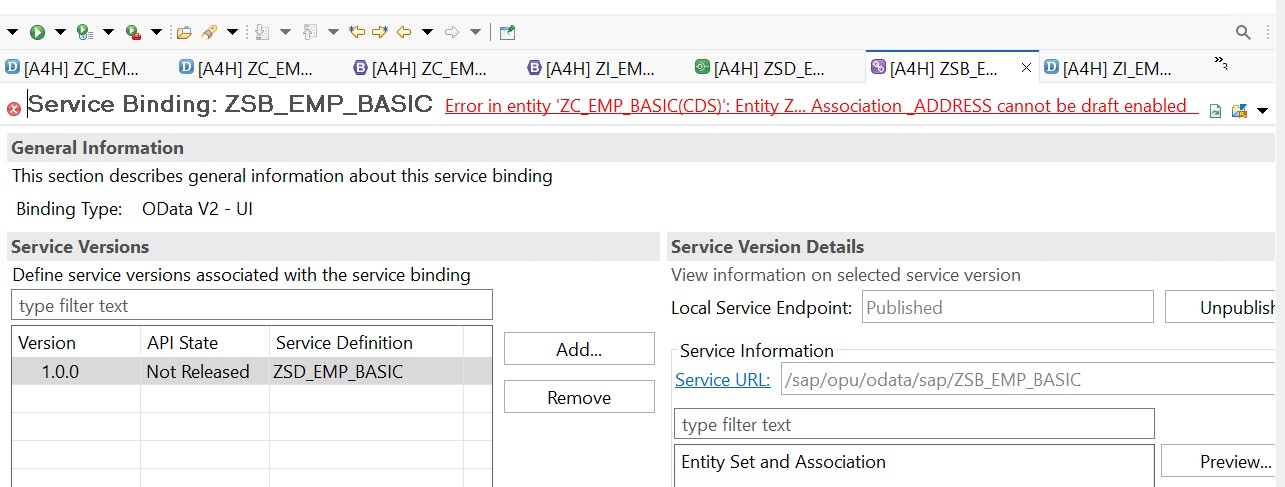
SAP Community Ref: Similar question on SAP
You can perform the following steps to fix it:
Step 01: Start from your Behaviour Definition [both consumption/projection view as well as I view] and check if the draft is enabled everywhere as required.
Step 02: If you have enabled draft at every association level using {with draft;} and still not able to fix it, then visit each CDS file linked with the Behaviour definition and try to hove over all the yellow underlines and fix them [by clicking right click and choosing “Quick Fix”]
Step 03: Also, check if you have missed adding etag master at the association level behaviour definition.
Step 04: Try to change the cardinality from [0..*] to [0..1] and then try to activate the Service Binding again.
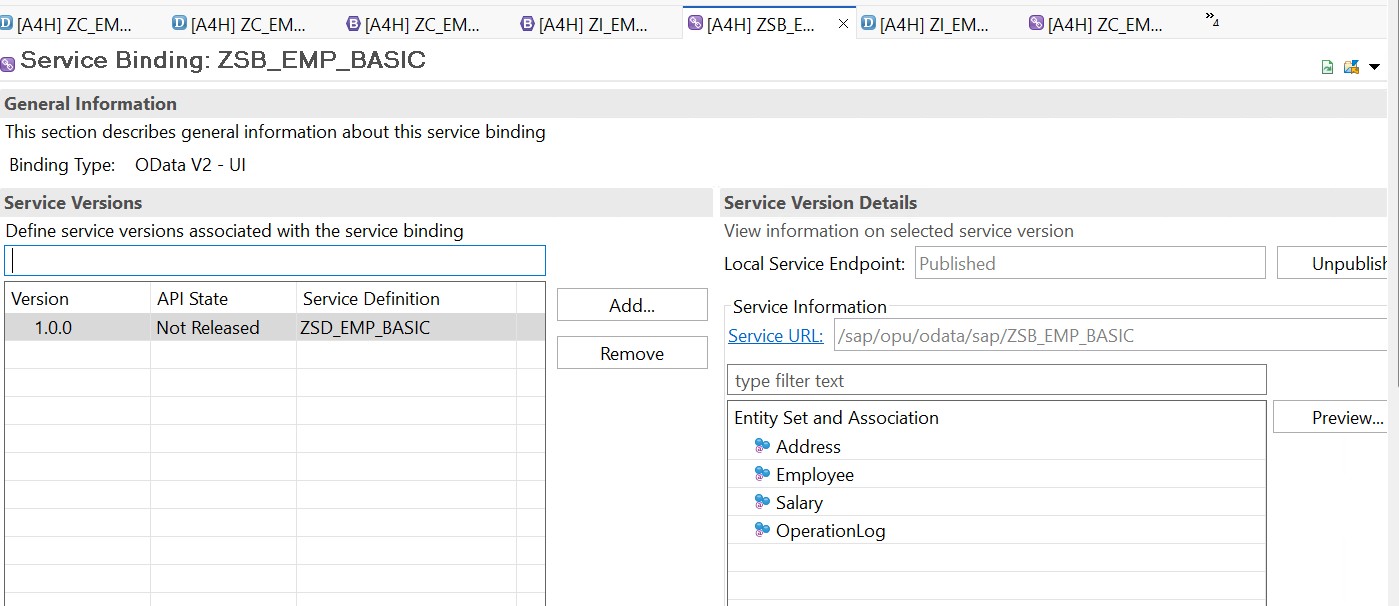
If the above steps are fine, and you try to refresh the screen and activate the screen, you will see the success screen as below:
You can check the SAP ABAP RAP Course here.

Leave a Reply